
01 / THE MAIN CHARACTER
Your turn to host.
The cup. The gesture. All eyes on you.
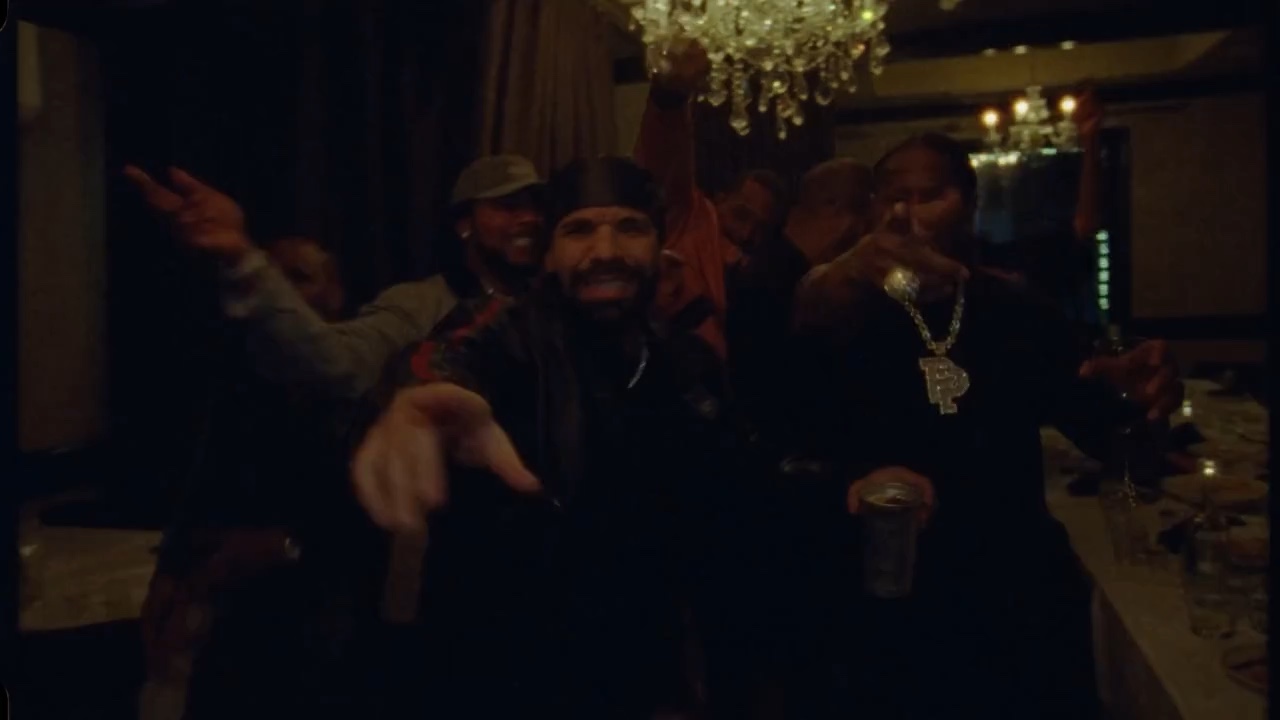
Watch the moment. Then cast your own version.
A virtual lead, your supporting cast, and the music of the reference as creative direction.
One photo · Preset scene · No prompts to write
Use the video below as your reference.
Add a virtual lead and up to five virtual supporting characters. The scene is already set.
The house-party moment.
Your fixed reference video · Play to preview
One face, good lighting, no sunglasses.
Original adult AIGC characters only. Real-person photos are not supported in this version.
Up to 5 individual virtual portraits. Guests are numbered by first appearance, then left to right. Empty slots keep the reference character; replacing a photo keeps its role.
Sign in to generate ↗Save your video promptly. Download links are temporary.
Video generation is coming soon. You can preview your photo now. Nothing is uploaded. No payment is required for this photo preview.
Same party energy. Your own personality.
These original scene concepts show the creative direction.
The cup. The gesture. All eyes on you.
A little confidence. A whole lot of energy.
One familiar face. An unexpected entrance.
AI-created still illustrations, not generated video results. They do not represent different selectable templates.
Start with your photo ↗The reference video sets the music, rhythm and performance. Our creative direction asks the video model to retain its background music and sound, synchronized with the scene.
You receive the model’s video as returned. Music, timing and sound quality can vary; exact reproduction is not guaranteed.
A single clear portrait is your starting point. No reference video to find or upload.
The party setting, reference performance, and creative direction are already chosen.
Review your model-generated video with sound on, then save it before its download link expires.
Choose an original virtual lead, then optionally add up to five virtual guests. Preview each portrait before continuing.
Add your photo ↗Your selected portraits and the fixed reference clip go directly into video generation. The model follows the fixed clip, with instructions to retain its background music.
YOUR CAST, YOUR VIDEOCheck your finished clip, save it, and make your entrance in the group chat or your social feed.
AVAILABLE AFTER GENERATIONOne clear portrait of an original virtual adult, plus up to five optional supporting portraits. You do not need to upload a video, choose a model or write a prompt. Real-person portraits are not supported in this version.
The studio shows current availability and the credit cost before you submit. When generation is open, sign in, select your virtual cast and confirm permission. Credit purchases and your video history are in your account.
The player shows the reference video for the scene and performance. It is not a generated result using your photo. Your version uses your virtual portraits and asks the model to keep the reference music. Appearance, audio and timing may differ.
The first version is built around one fixed Burning Bridges scene. The reference clip and creative settings are managed for you, so the only input you need is your photo.
Selecting a photo creates a local preview. When you click Generate, it is uploaded and sent with the reference clip to our video provider for generation. Read our privacy policy for retention details.
We enable audio and instruct the model to use the reference video’s background music, rhythm and sound. You receive the model output directly. Exact music reproduction is not guaranteed, so review the finished clip with sound on.
Check the studio for the current generation cost and availability. Credit packs, when available, are one-time purchases rather than a subscription. Visit your account to check availability and prices. The credit cost of a video will be shown before generation. Photo preview is free.